Many iPhone users still tap repeatedly on the screen to fix typing mistakes, but iOS includes a much easier way to move the cursor precisely.
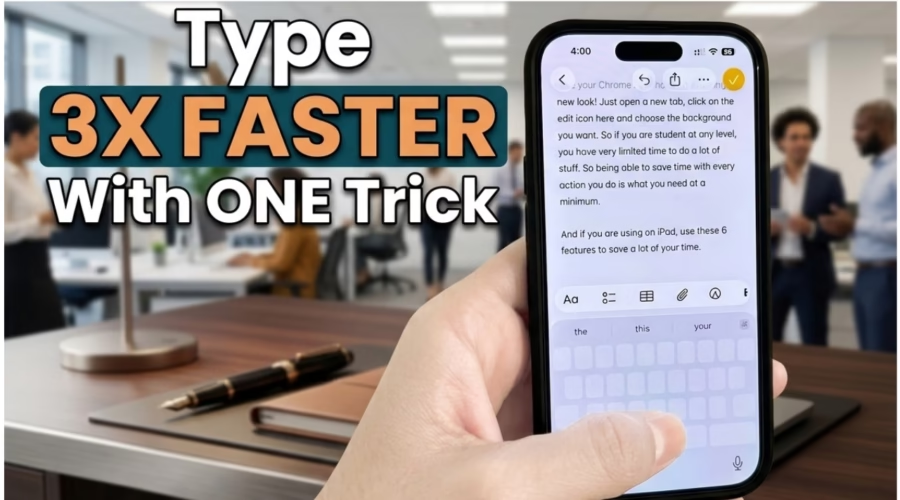
By simply tapping and holding the spacebar, the iPhone keyboard instantly turns into a virtual trackpad. Users can then slide their finger across the keyboard area to move the cursor smoothly through text, across longer paragraphs too!
The feature works in all apps.
How to use it:
- Open the keyboard on iPhone
- Tap and hold the spacebar
- Slide your finger to move the cursor
- Release to place the cursor accurately
The hidden shortcut makes editing messages, emails and documents significantly easier, especially when trying to place the cursor between specific letters or words.
Pro Tip: The EXACT same feature works for iPad too, making typing significantly faster!